To make a spin wheel with names, open the wheel, replace the sample list with one name per line, check the entries, and press Spin the wheel. Start with equal weights unless you have a reason to give particular entries different chances.
A free custom name wheel is useful when you already know who belongs in the selection. It does not generate people, check attendance, or decide eligibility. Your first job is to prepare a list that represents the group accurately.
Prepare a Clean List for Your Name Picker Wheel
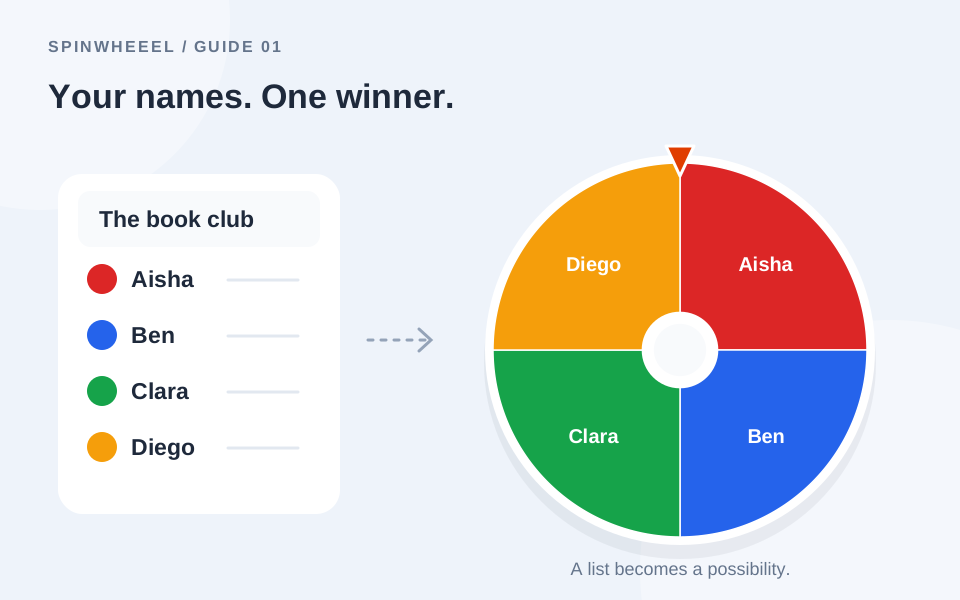
Imagine a book club choosing its next discussion leader. Your list might be Aisha, Ben, Clara, Diego, Elena, and Finn. Enter each name on its own line. Use an extra initial for people with the same first name, such as Alex R. and Alex T., so the result is unambiguous.
Remove anyone who is absent or not eligible before the draw. Avoid adding email addresses, phone numbers, or membership details when a short display name will do. If you are screen sharing, inspect the entire list before your audience sees it.
When Duplicate Names Matter
If Ben appears twice and everyone else appears once, Ben has two entries. This may be intentional for a ticket draw, but it is usually a mistake in a one-turn-per-person activity. Use Remove duplicates for matching labels, then inspect near-matches yourself: Ben and Benjamin will still look like different entries to the tool.
How to Add Names to a Wheel
- Open the online wheel spinner and select the Entries tab.
- Select the sample text and replace it with your prepared list.
- Check the entry count. Blank lines do not become entries.
- Keep the weights at one for an equal-entry draw. Advanced mode shows each weight explicitly.
- Give the wheel a descriptive title, such as Book club discussion order.
- Press Spin the wheel, then read the selected name in the result window.
You can paste up to 1,000 entries. For a large roster, the wheel labels become small, so let the result window identify the selected name clearly. Do not rely on an audience reading every slice on a crowded wheel.
Import a CSV Instead of Pasting
The Import button accepts a CSV with a name column and an optional weight column. Use a first row of name,weight when you want headers. Each following row should contain one label and an integer weight from 1 to 100. Check the imported list before spinning; importing replaces your current entries.
name,weight
Aisha,1
Ben,1
Clara,1
Customize Your Name Wheel Without Changing the Odds
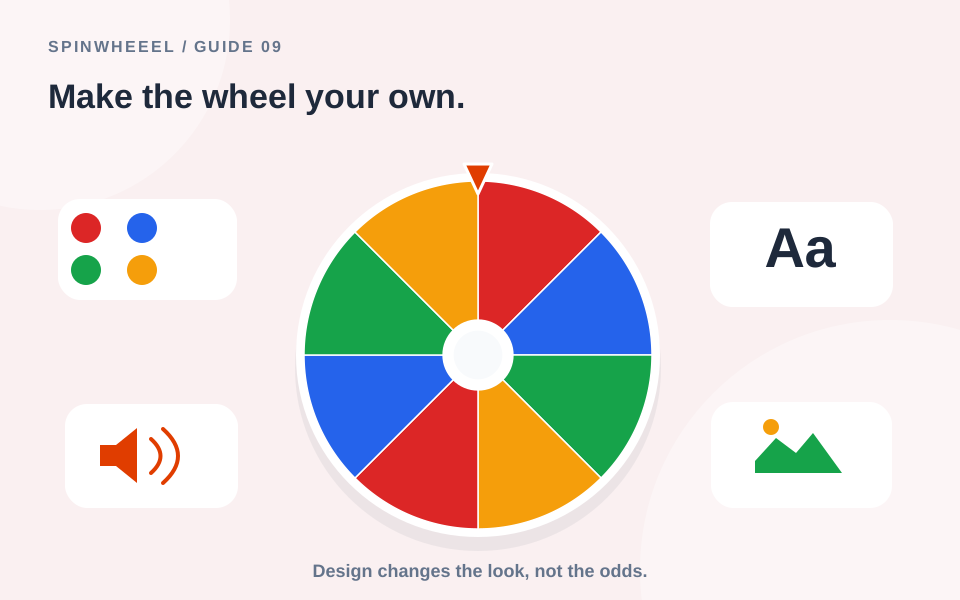
Choose Classic, Rainbow, Pastel, Midnight, or Monochrome in the design strip. These designs change appearance, not the entries or their weights. A readable wheel is more useful than a busy one: keep labels concise and choose a theme that looks clear on the screen you will use.
Settings lets you adjust duration, sounds, winner removal, and an optional center image. For a quiet meeting, turn sounds off. For a live group activity, choose a duration that leaves time for the result without interrupting the pace. See the wheel customization guide for the full walkthrough.
Keep or Remove the Selected Name
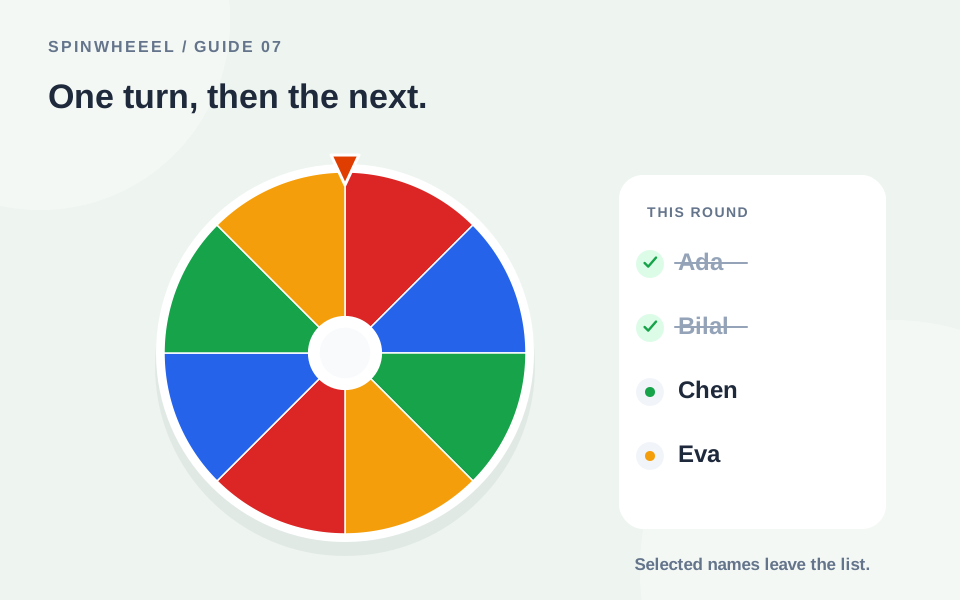
For an independent random pick, leave the winner in the list. The same name may win again because each draw starts with the same available entries. For a reading order or a sequence of volunteers, remove selected entries until everyone has had a turn.
Removing one selected row does not remove other rows with the same label. If you want unique people rather than unique tickets, clean duplicates first. Our no-repeat name picker guide explains the distinction.
Save a Reusable Custom Name Wheel
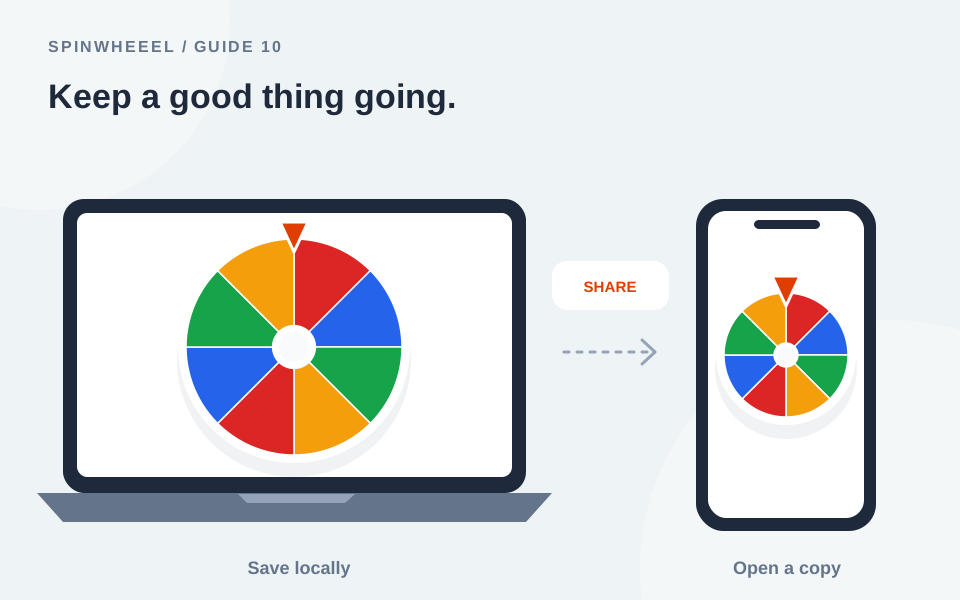
Use Save wheel for a named copy in this browser. A share link lets someone else open a snapshot of the entries and settings. Export a wheel file when you want a backup you can keep independently of browser storage.
A saved list is not automatically available on every device, and a shared link does not transmit live results. Follow the saving and sharing instructions when moving a wheel between devices.
Run a Custom Name Wheel from Start to Finish
For a recurring book club, keep a master wheel called Book club roster and a separate working copy for the current meeting. The master contains everyone who could attend. Before using the working copy, remove absentees and check that the entry count matches the people taking part. This gives you a reusable starting point without bringing an absent member into today's draw.
Say you need a discussion leader and two readers. Agree whether one person may fill more than one role. If each role needs a different person, use one row per member and remove each selected name. Write down the role beside the result as you go; a list of three names alone will not explain which responsibility belongs to whom.
Make the First Real Spin Easy to Follow
Before presenting, use a temporary sample wheel to rehearse opening Settings, reading the result, and returning to the entry list. Then load your prepared roster and inspect it again. A rehearsal is most useful when it checks the controls you will actually use rather than producing practice winners from the real list.
Read the wheel title aloud, explain the removal rule, and let the group check recognizable names before starting. After the meeting, keep the clean master for next time. Save the shortened working copy only if you intend to resume the same unfinished round.
QUICK ANSWERS
Common Custom-Name Wheel Questions
Can I use options other than names?
Yes. The same editor accepts tasks, topics, prizes, or any short labels. The selection process does not depend on the meaning of the text.
Does shuffling make a name more likely to win?
No. Shuffle changes the order around the wheel. Chances come from the weights assigned to entries, not from their position in the list.
Why did the same name appear twice in Results?
Winners stay eligible unless removed. Repeated labels can also represent several rows. Inspect the list and the removal setting before the next draw.
Put it into practice.
Start with a few sample entries, check your settings, and make the wheel your own.
Open the wheel