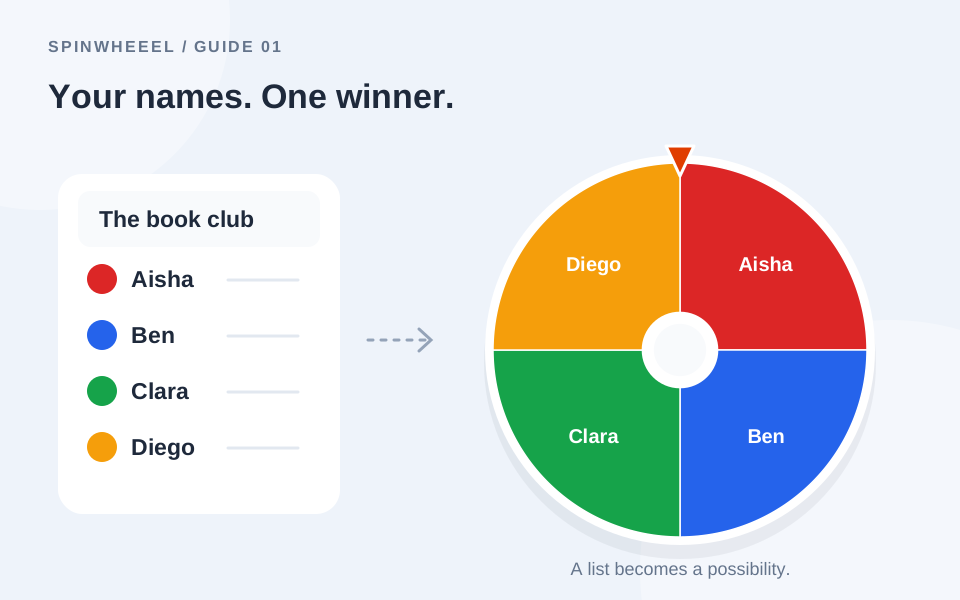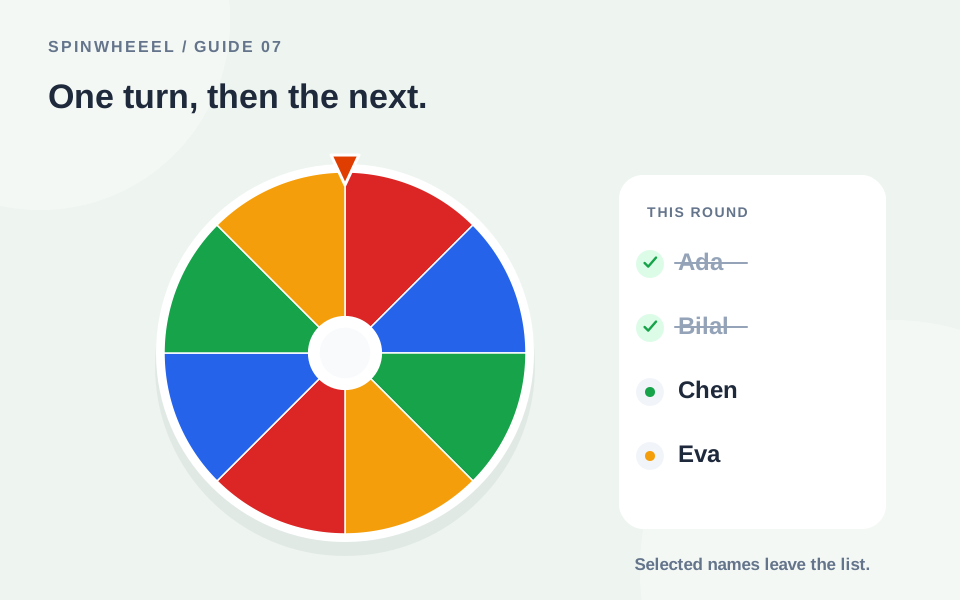
To pick names without repeats, start with one entry per person and remove each selected entry before the next spin. You can remove the winner from the result window or turn on automatic removal in Settings.
Two details matter: removing an entry is different from removing every row for the same person, and an independent spin does not remember earlier winners unless you change the available list.
Set Up a Wheel Picker Without Repeats
- Open the random name picker wheel and enter one name per line.
- Check that each person appears once. Use an initial to distinguish different people who share a first name.
- Remove matching duplicates and inspect spelling variations manually.
- Save or export a clean copy of the complete roster before starting.
- In Settings, enable Remove winner automatically.
- Spin for the first person. After the result appears, check that the entry count has decreased.
- Continue until you have selected the required number of people.
The automatic setting removes the winning row after the draw. If you prefer to make that decision yourself each time, leave it off and choose Remove winner in the result window. Do not start the next spin until you have checked the list.
A Simple Example: Five People, Three Turns
Your wheel contains Ada, Bilal, Chen, Eva, and Noah, all with weight one. The first spin selects Chen. Removing Chen leaves four entries. The next spin selects Ada, and removing Ada leaves three. The third spin can now select only Bilal, Eva, or Noah.
Without removal, all five names would remain available on every spin. Chen could be selected again immediately. That would be a valid independent random result, but it would not meet a one-turn-per-person rule.
What Happens to the Odds After Removal?
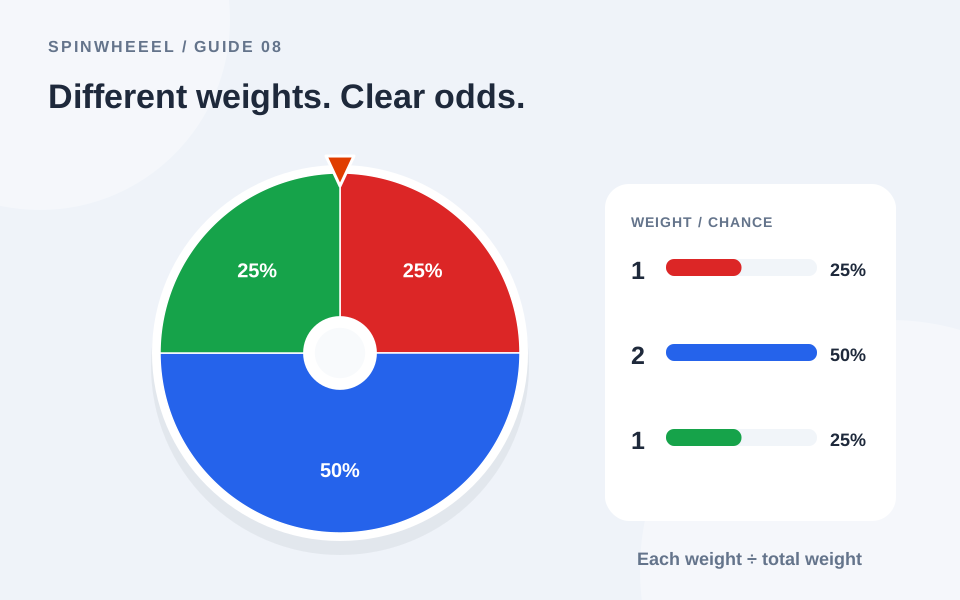
With five equal entries, each starts at 20%. After one is removed, the four remaining entries each have a 25% chance on the next draw. The list has changed, so the probabilities change with it. The wheel does not keep the original 20% chance for the remaining four.
Remove Duplicate People Before Removing Winners
Consider a list containing Ada, Bilal, Ada, and Chen. If Ada wins and you remove one winning row, another Ada entry remains. Ada may therefore win again. The remove-winner setting is working on rows; the setup did not represent unique people.
For classroom turns, use one row per student. For a ticket draw, repeated names may intentionally represent several tickets. Decide whether you are selecting unique people or unique entries before changing anything. Follow the announced process for the event.
Matching Labels and Near-Matches
The duplicate-removal action compares labels after trimming spaces and ignoring capitalization. It cannot know that Sam R. and Samuel Reed refer to the same person. It also cannot know whether two people named Alex are different individuals. Review those cases yourself before the first draw.
Pick Multiple Winners and Keep the Order
Use one spin per place or prize. Announce the order before starting: first prize, second prize, then third prize, for example. The Results tab records the recent selections with their times, and Export results saves a CSV copy.
The result history is separate from the eligible list. Clearing Results does not put removed names back, and deleting a saved wheel does not rewrite a completed draw. If you need a record, export it before clearing the history.
Restore the Full List for a New Round
Load the clean named wheel you saved before the round, or import its backup file. That restores the original roster and settings. Check attendance again if you are using the list on a different day.
Undo removal can reverse the most recent removal while that action is available. It is not a substitute for a saved original when you have made several list changes. The save-and-share guide explains the difference between current state, named saves, and backup files.
Keep an Unfinished No-Repeat Round Organized
A reading rotation may continue across several meetings rather than finish in one session. Keep two clearly named wheels: Complete reading roster and Reading round in progress. The complete roster is your reset point. The working wheel contains only people who have not yet received a turn in that round. Save the working copy after your last selection.
Before resuming, compare the remaining names with your own record of completed turns. Someone selected last week should be absent from the working list but still present in the complete roster. If the counts disagree, resolve the mismatch before spinning. Loading the full roster halfway through a round would make previous participants eligible again.
Decide How Late Arrivals Join the Round
Agree on a simple rule before the activity: a late arrival may join the remaining pool, or may begin with the next complete round. Either approach changes who can receive an upcoming turn, so explain it to the group. The wheel does not track attendance or decide how new participants should be treated.
If someone leaves before their turn, remove that person from the current pool and keep a note outside the wheel. When the round ends, load the complete roster and review it for the next session. Do not assume that clearing the Results tab resets eligibility. Your remaining entries, saved rosters, and result records are separate pieces of the workflow.
QUICK ANSWERS
Common No-Repeat Wheel Questions
Can I keep unequal weights and still prevent repeats?
Yes. Removing selected rows prevents those rows from being selected again. Unequal weights still affect who is selected earlier. For equal chances at each stage among remaining people, keep their weights equal.
What happens when the wheel is empty?
The spin control is disabled until you add or restore entries. Reload a saved roster to start another round.
Why is a name still showing in Results after I removed it?
Results is a record of previous picks. Removal changes eligibility for future spins, not the history of what already happened.
Can I select an entire balanced team automatically?
No. This wheel draws one entry at a time. It does not automatically balance team size or other constraints. See classroom activity ideas for ways to use a selected order.
Put it into practice.
Start with a few sample entries, check your settings, and make the wheel your own.
Open the wheel