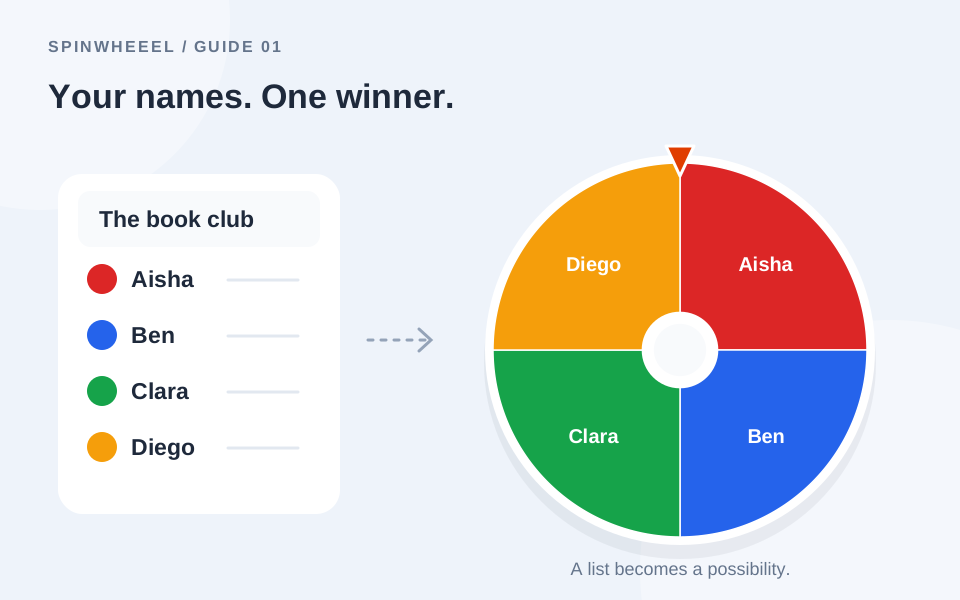
A classroom spinner can choose a student, a question, or an activity. Decide which of those jobs the wheel should do before adding entries. That one choice makes the activity easier to explain and the result easier to use.
These spin wheel classroom activities work with the same free online name and choice picker. You do not need a separate tool for each lesson. Change the labels, keep the rules visible, and choose settings that fit the group.
Set Up a Random Student Picker for Teachers
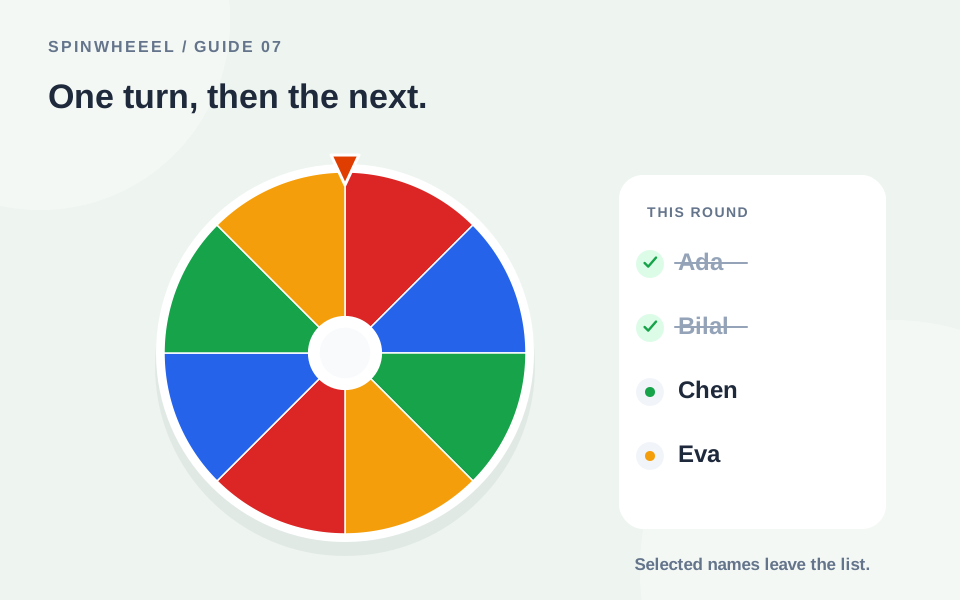
Paste the names of students who are present, using one recognizable label per person. Explain whether selected students remain on the wheel or are removed. If everyone should receive one turn, switch on automatic winner removal and remove duplicate rows before beginning.
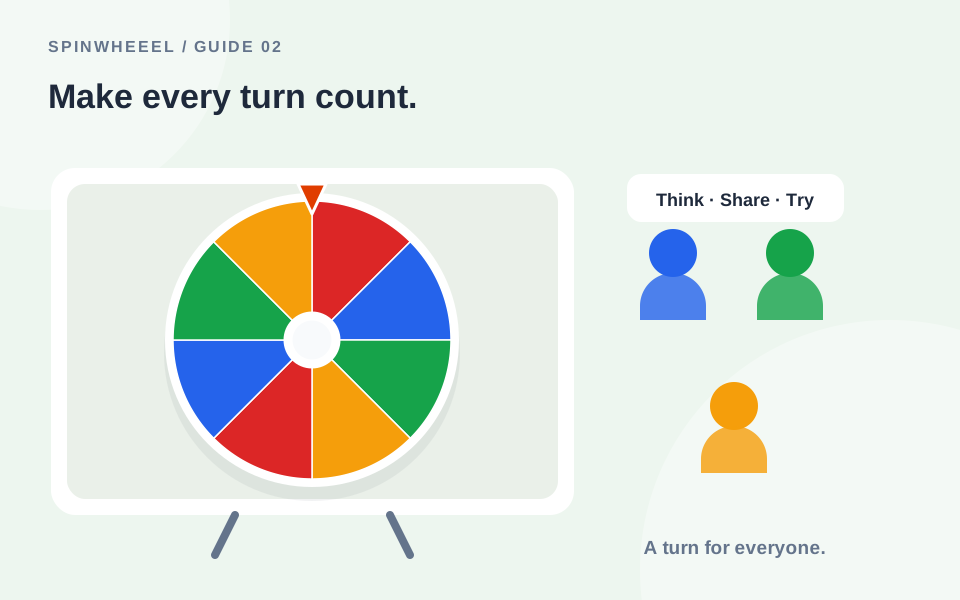
A wheel chooses from the list; it does not know who is ready to answer. Offer think time, pair discussion, or a pass option where appropriate. Random selection does not guarantee that public answering feels comfortable for every learner.
Keep the Display Practical
Check readability from the back of the room, shorten long labels, and turn sound off if it distracts from the task. Use focus mode for a larger wheel view. If you project the screen, avoid displaying full student identifiers when first names and initials are enough.
Six Classroom Spinner Ideas to Try
1. Reading Turns Without Repeats
Add the present readers to the wheel. After a short shared preparation period, spin for the next turn and remove the selected entry. Keep reading sections similar in length, so the wheel selects order rather than deciding who gets the longest task.
2. A Review-Question Wheel
Use topic labels instead of people: Fractions, Measurement, Shapes, Word problem, Explain your method, and Create an example. Prepare one question for each topic. Let pairs discuss the chosen question before sharing an answer.
3. Creative Writing Prompts
Fill the wheel with settings such as An empty station, A floating library, A windy beach, and A locked garden. Spin once for the setting, then ask students to choose their own character and problem. Keeping only one story element random leaves room for individual ideas.
4. Classroom Jobs
Assign one job at a time to a wheel of eligible volunteers. Remove each selected person before choosing the next job. Make sure the available jobs are suitable for the students included; random selection cannot account for individual needs that were left out of the setup.
5. Discussion Starters
Add prompts such as Explain one surprising detail, Ask a question, Connect this to yesterday, and Give a counterexample. Spin to select a discussion move, then let students choose which example to contribute. This varies the task without putting every learner’s name on screen.
6. Short Brain-Break Activities
Build an agreed list of accessible choices: Stretch your hands, Look away from the screen, Draw for one minute, or Take three comfortable breaths. Leave out activities unsuitable for your room or learners. Give students a quiet alternative rather than treating the wheel as an instruction nobody may decline.
Choose the Right Classroom Wheel Settings
For one turn per student, equal weights and removal after selection are a straightforward combination. For topic review, keeping topics available allows repeats, which may be useful for practice. Label the wheel clearly so students know whether they are looking at names or questions.
Do not confuse the number of topics with a balanced lesson plan. A wheel may select the same topic repeatedly when removal is off. If you need every topic covered, remove each topic after use or use a planned sequence instead.
Manage Absences, Duplicates, and a New Round
Check attendance before the first spin. Remove absent students and inspect matching first names. If you discover an error after starting, pause and explain the correction before continuing. Keep a clean roster saved separately so you can restore the complete group for the next lesson.
Read how no-repeat selections work for a detailed example. The custom-name setup guide also explains list preparation and CSV import.
Plan a Short Review Lesson Around the Wheel
For a fifteen-minute review, put six lesson topics on a question wheel and prepare one accessible prompt for each. Keep student names on a separate saved wheel if you also want to choose a speaking order. Separating the two lists makes it clear whether a spin is choosing what to discuss or who will contribute.
Begin with a topic spin, give everyone a minute to write or discuss an answer with a partner, and invite a response. If using the name wheel, select a speaker after preparation time rather than before it. Let the speaker share the pair's reasoning or ask a partner to help. The wheel supplies variety while your teaching choices provide support.
Check Learning Beyond the Selected Student
After each response, ask the rest of the class to compare methods, suggest another example, or explain a correction. This keeps students involved even when their names are not selected. Record which topics have been covered, especially if you leave repeated topics eligible. A lively spin is not evidence that everyone understands the material.
Finish with a brief written question answered by the whole class. Use those responses to decide what to revisit next lesson. Restore your saved roster before the next session and check attendance again. If the wheel regularly interrupts discussion, shorten the animation or use it only between activities instead of before every contribution.
QUICK ANSWERS
Questions About Wheel of Names Classroom Activities
Should I weight some students more heavily?
For equal turns, keep all weights equal. Unequal weights change the chance of selection. If you use a different approach for a particular activity, explain it clearly rather than describing the draw as equal for everyone.
Can the wheel make balanced teams?
This tool picks one entry at a time. It does not automatically balance team sizes, skills, or learner requirements. Use it to select an order, then organize groups thoughtfully.
Do students need to create accounts?
No account is required for the browser tool. The teacher can run a wheel on one device and display it to the group.
Put it into practice.
Start with a few sample entries, check your settings, and make the wheel your own.
Open the wheel