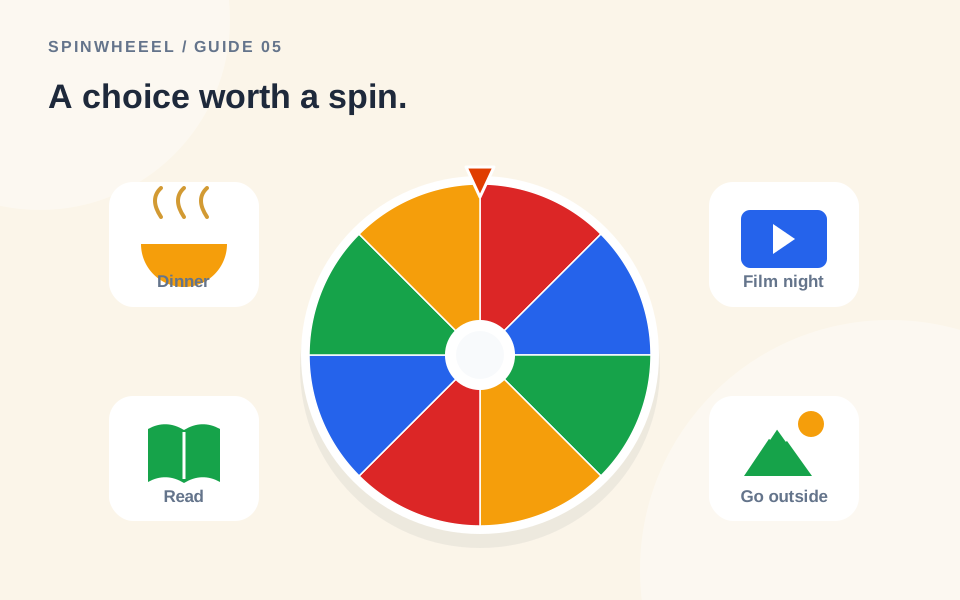
A decision wheel works best when every option on it is already acceptable. Make a shortlist, remove anything unsuitable, and spin once to pick a starting point. The tool can choose from your options; it cannot decide whether those options make sense for you.
Use a random choice wheel for small, reversible decisions: a meal, a film, a game, or the order of routine tasks. Keep decisions involving health, major commitments, or other people’s important needs outside a casual random draw.
Build a Better Shortlist Before You Spin
Suppose three friends are choosing lunch. A wheel containing every nearby restaurant will not help if two are closed, one is too expensive, and another cannot accommodate someone’s dietary needs. Remove those options first. A shorter list of workable places is more useful than a larger list that keeps producing rejected results.
Agree on the selection rule before the spin. Will you accept the first result, use it as a suggestion, or pick two options and compare? Any of those can be reasonable for an informal choice, but changing the rule after an unwanted result can frustrate the group.
Decision Wheel Ideas for Ordinary Days
What to Eat
Use realistic meal options such as Pasta, Rice bowl, Soup and toast, Tacos, and Leftovers. Check the ingredients and the time available before adding them. The Food ideas preset is a starting point you can edit to fit what is actually in your kitchen.
What to Watch
Choose five films or episodes everyone is willing to watch. Include a running-time limit when building the shortlist. Picking among known options is easier than asking the wheel to resolve an unlimited streaming catalogue.
Which Small Task to Start
Put comparable tasks on the wheel: Tidy the desk for ten minutes, Sort one folder, Water plants, and Reply to one routine message. Do not mix a two-minute task with a project that needs an entire afternoon unless either result truly fits your available time.
Weekend Activity Choices
Try options like Park walk, Museum visit, Board game, Baking, or Library stop. Check weather, opening times, accessibility, and everyone’s preferences yourself. The wheel does not perform those checks.
A Shared Chore Order
A wheel can choose which chore happens first or who takes the next agreed turn. Match the process to the group’s existing agreement. Randomness alone does not make an unequal workload fair.
How to Use a Spin Wheel to Make Decisions
- Write one clear question: Which activity should we do this afternoon?
- Add three to eight feasible choices to the decision spinner.
- Remove duplicates unless you intentionally want one option to have extra chances.
- Keep weights equal for a straightforward tie-breaker.
- Spin and read the selected option.
- Use the outcome according to the rule you agreed before the draw.
Save a wheel if you return to the same type of choice regularly, but review it before every use. A restaurant that worked last month may be closed today, and a task list changes as you finish jobs.
Decide Whether Results Should Repeat
For tonight’s dinner, keeping all entries available is fine. For a week-long rotation of different meals, turn on winner removal. Each chosen meal then leaves the list for the next pick. Restore the original wheel when you want to begin a new rotation.
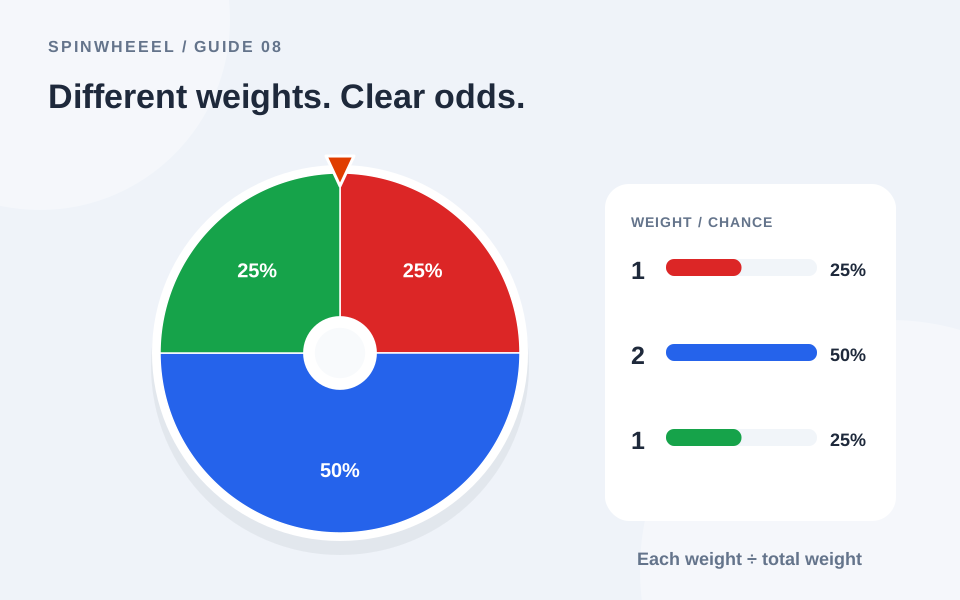
For a repeated suggestion to appear more often, you can increase its weight intentionally. For example, a weight of two gives one option twice the chance of an option with weight one. This is a preference setting, not a guarantee. Read the guide to weighted chances before describing a weighted wheel to other people.
When a Yes-or-No Wheel Is a Better Fit
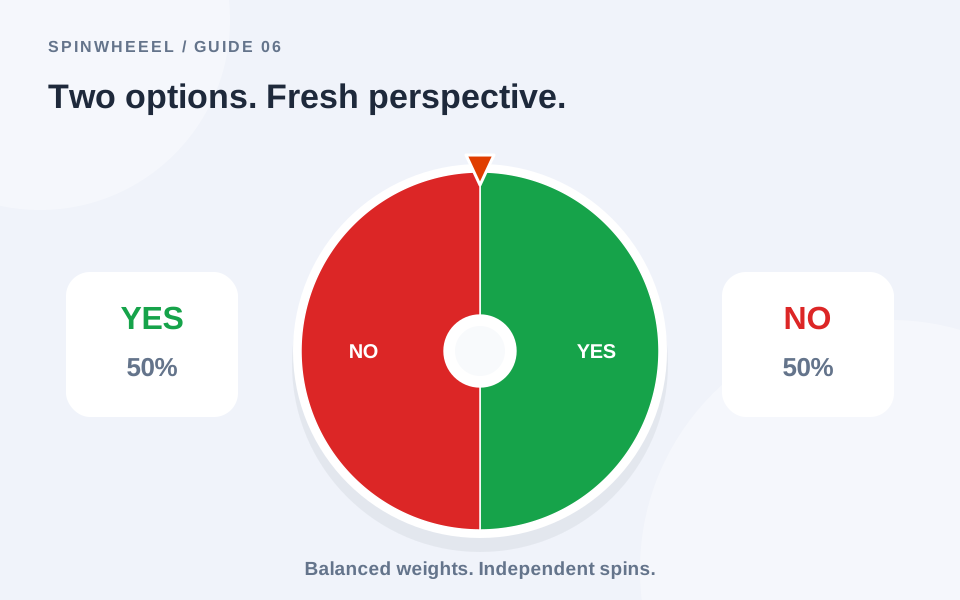
If the question has only two acceptable outcomes, use the Yes / No preset rather than a long list. A binary wheel is appropriate for a simple tie-breaker, such as choosing whether to play indoors or outdoors after checking the conditions.
Keep the question grounded in choices you control. A random answer does not predict an event or reveal a hidden fact. The yes-or-no wheel guide explains balanced outcomes and how to avoid confusing an entertaining prompt with advice.
Build a Weekly Meal Wheel You Can Actually Use
Start with meals you already know how to prepare and compare them with the ingredients you have. Add a clear label for each complete option, such as Vegetable pasta or Lentil soup with toast. Labels like Something healthy or A quick dinner leave the original choice unresolved because you still have to decide what they mean.
For a three-evening rotation, add five feasible meals and enable winner removal. Spin for the first evening, record the choice, and continue for the next two. Check that the resulting plan uses perishable ingredients in a sensible order. You can rearrange the selected meals yourself; the wheel does not know what needs to be eaten first.
Refresh a Decision Wheel Instead of Rebuilding It
Save the original list as a reusable starting point. Before the next week, remove meals you no longer want and add suitable replacements. Treat the saved wheel as a template to review rather than a list that stays relevant forever. This approach also works for films, short household tasks, and inexpensive weekend activities.
If an option keeps getting rejected, ask why it remains on the list. Perhaps the label is vague, the timing is wrong, or someone never agreed to it. Fix that issue before another spin. A useful decision wheel reduces the work of choosing among acceptable options; it should not create a loop of repeated draws and ignored results.
QUICK ANSWERS
Everyday Decision Wheel Questions
Should I always obey the wheel?
No. It is a tool for selecting from your list. If you discover a practical problem, stop and fix the list. For a group game or public drawing, explain any changed rule rather than quietly ignoring a result.
Can the wheel tell me the best option?
No. It selects according to the configured probabilities. It does not compare quality, cost, preferences, or consequences.
How many choices should I include?
Use as many as the task needs. For a quick everyday choice, a short list is easier to review and act on than a crowded wheel.
Put it into practice.
Start with a few sample entries, check your settings, and make the wheel your own.
Open the wheel